PDF Invoice Template
Any PDF reader
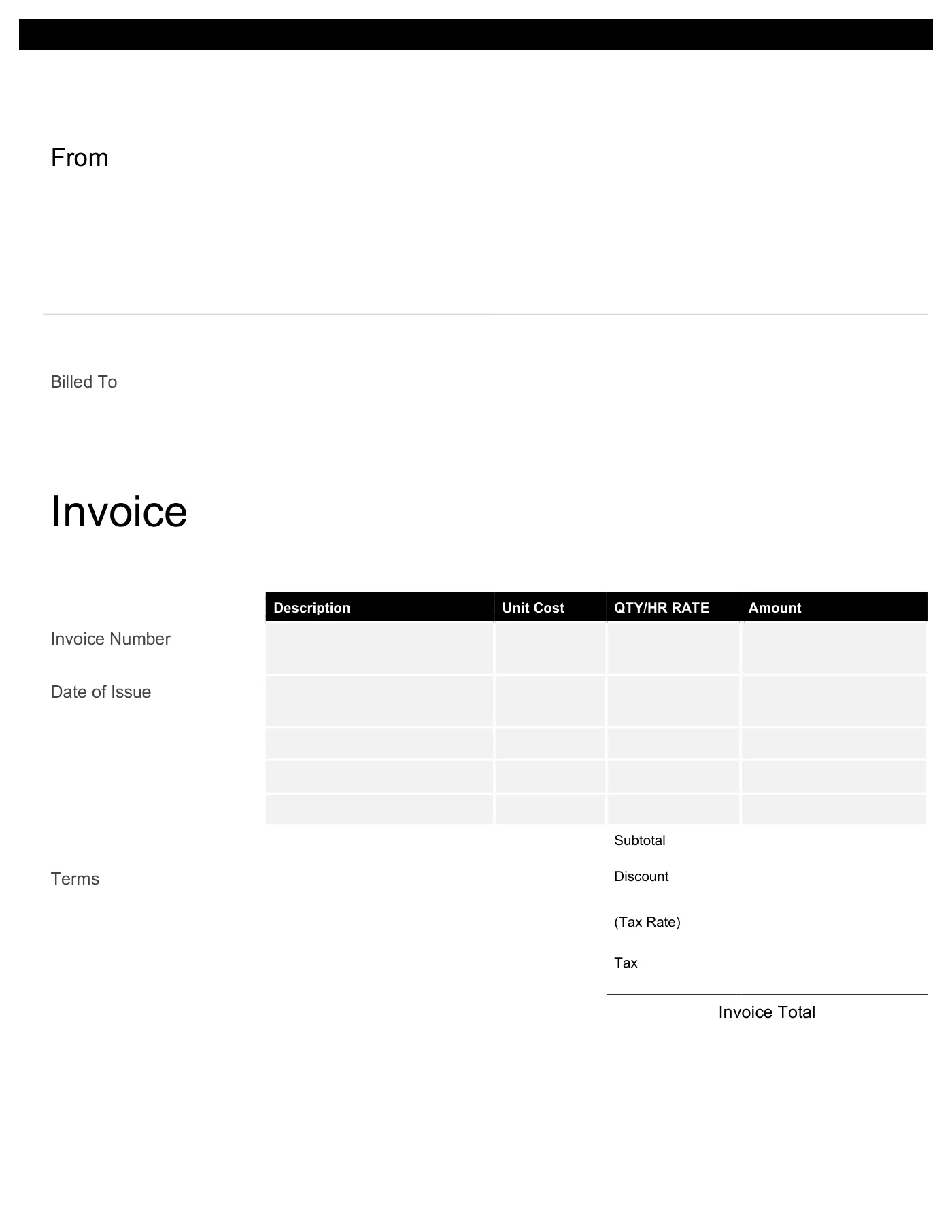
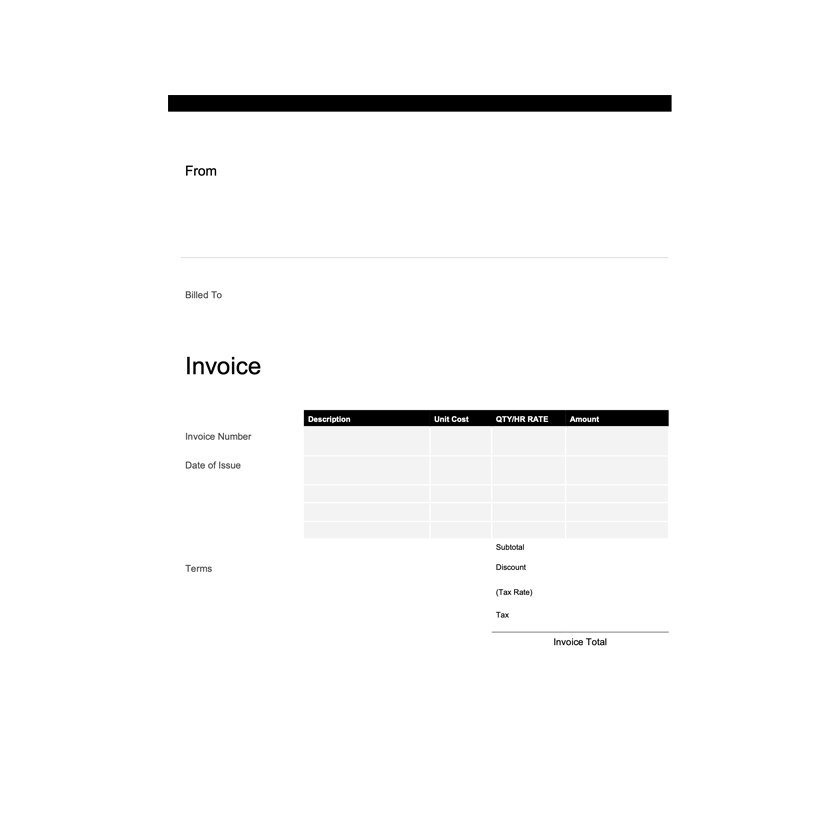
A print-ready PDF invoice that looks the same on every device. Fill it in with a PDF editor or by hand.
View template
A print-ready PDF invoice that looks identical on every device, plus editable versions to create your own.
Printable and 100% Free
Print-ready PDF invoices in five designs, plus a blank invoice and a printable invoice form. Fill them in with a PDF editor or by hand.
Every template is free, editable, and printable. Pick the format that matches the software you already use.
Any PDF reader
A print-ready PDF invoice that looks the same on every device. Fill it in with a PDF editor or by hand.
View template
Any PDF reader
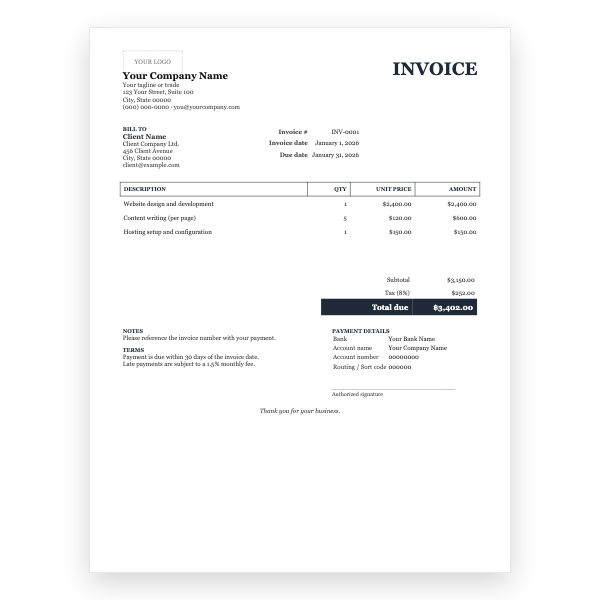
A formal serif invoice as a print-ready PDF, with bank details and a signature line.
View template
Any PDF reader
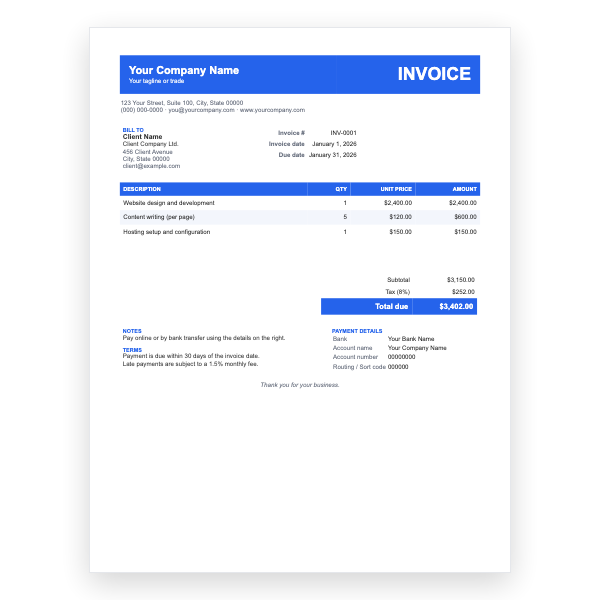
A blue header band and striped rows in a fixed, print-ready PDF.
View template
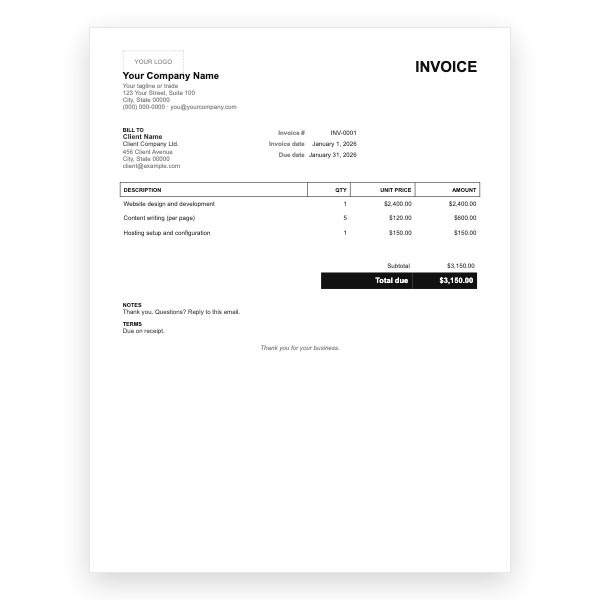
Any PDF reader
Black and white with no tax line. A one-minute PDF invoice for any PDF editor.
View template
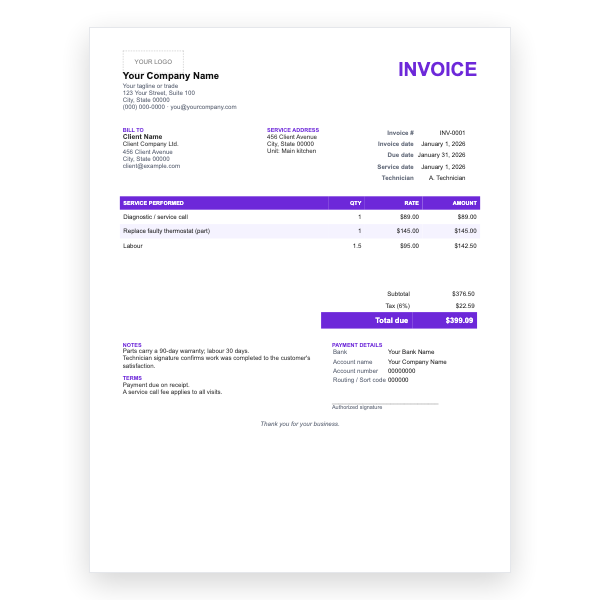
Any PDF reader
Service date, technician, parts and labour, and a warranty note in a print-ready PDF.
View template
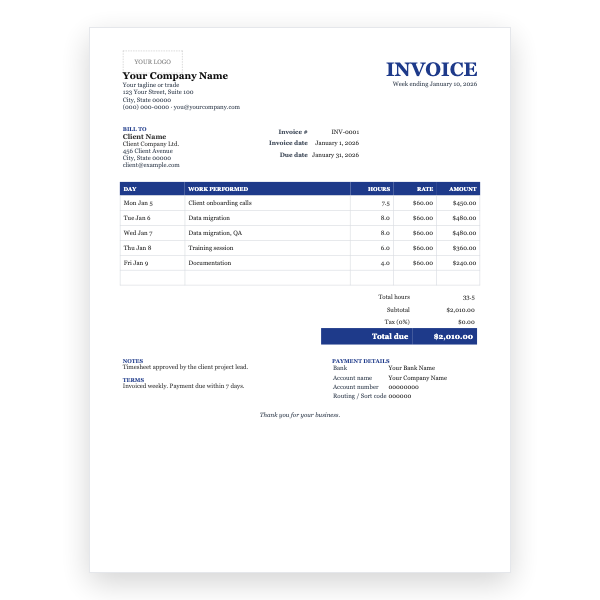
Any PDF reader
A week-at-a-glance timesheet invoice with one row per day, as a PDF.
View template
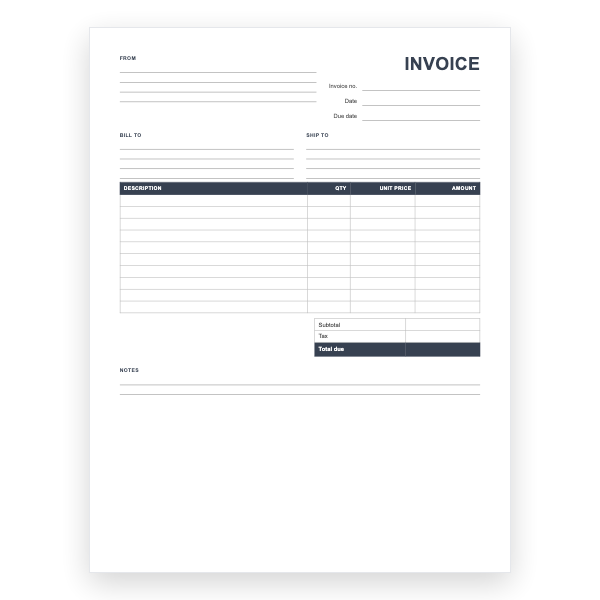
Any PDF reader
An unbranded, print-ready blank invoice with ruled lines for handwriting.
View template
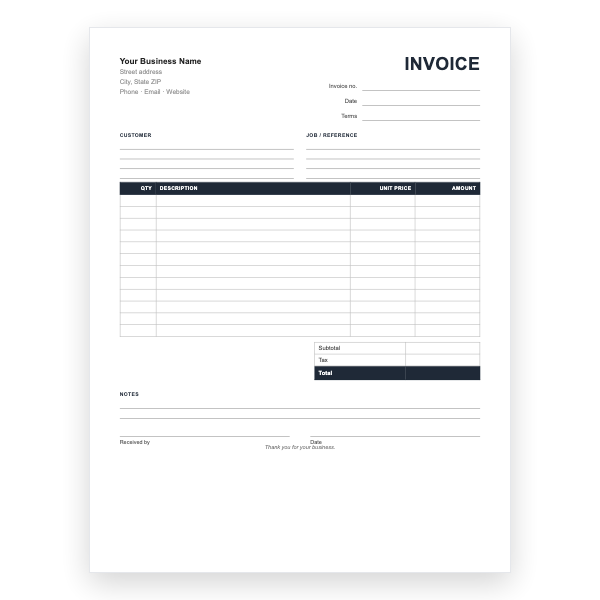
PDF, printable
A twelve-line printable invoice form with customer and job blocks, totals, and a received-by signature.
View template
Download any of our PDF invoice templates without creating an account or entering a card.
Add your logo, change the colours, and edit every field to match your business.
The files are yours to keep. Edit them in your own software, online or off.
PDF invoice template guide
Whatever you use to create an invoice, the file your client receives should almost always be a PDF. It opens on any phone or computer, prints exactly as designed, and cannot be changed without leaving a trace. This page gives you a ready-made PDF invoice and explains how to make your own.
| Software | Steps |
|---|---|
| Microsoft Word / Excel | File → Save As → choose PDF as the file type. Or File → Export → Create PDF/XPS. |
| Google Docs / Sheets | File → Download → PDF document (.pdf). |
| LibreOffice / OpenOffice | File → Export as PDF. |
| Apple Pages / Numbers | File → Export To → PDF. |
| Any program | File → Print → choose Save as PDF or Microsoft Print to PDF as the printer. |
The template is designed to fit both A4 and US Letter paper. In the print dialog choose Fit to page or Scale to fit if your printer adds its own margins, and turn off headers and footers if your browser adds them. For carbon copies, print two per job and keep one.
Open it in a PDF editor such as Adobe Acrobat, Preview on a Mac, or a free online tool, and use the text tool to type into each field. Alternatively edit the Word or Excel version and export it to PDF.
A PDF keeps your layout fixed, cannot be edited by accident, opens on any device without special software, and is accepted by virtually every accounts department.
In Word or Excel choose File, then Save As, and pick PDF as the file type. In Google Docs or Sheets choose File, Download, then PDF document.
Yes. The margins are set so the template fits both sizes. Choose Fit to page in your print dialog if your printer adds extra margins.