Excel Invoice Template
Microsoft Excel
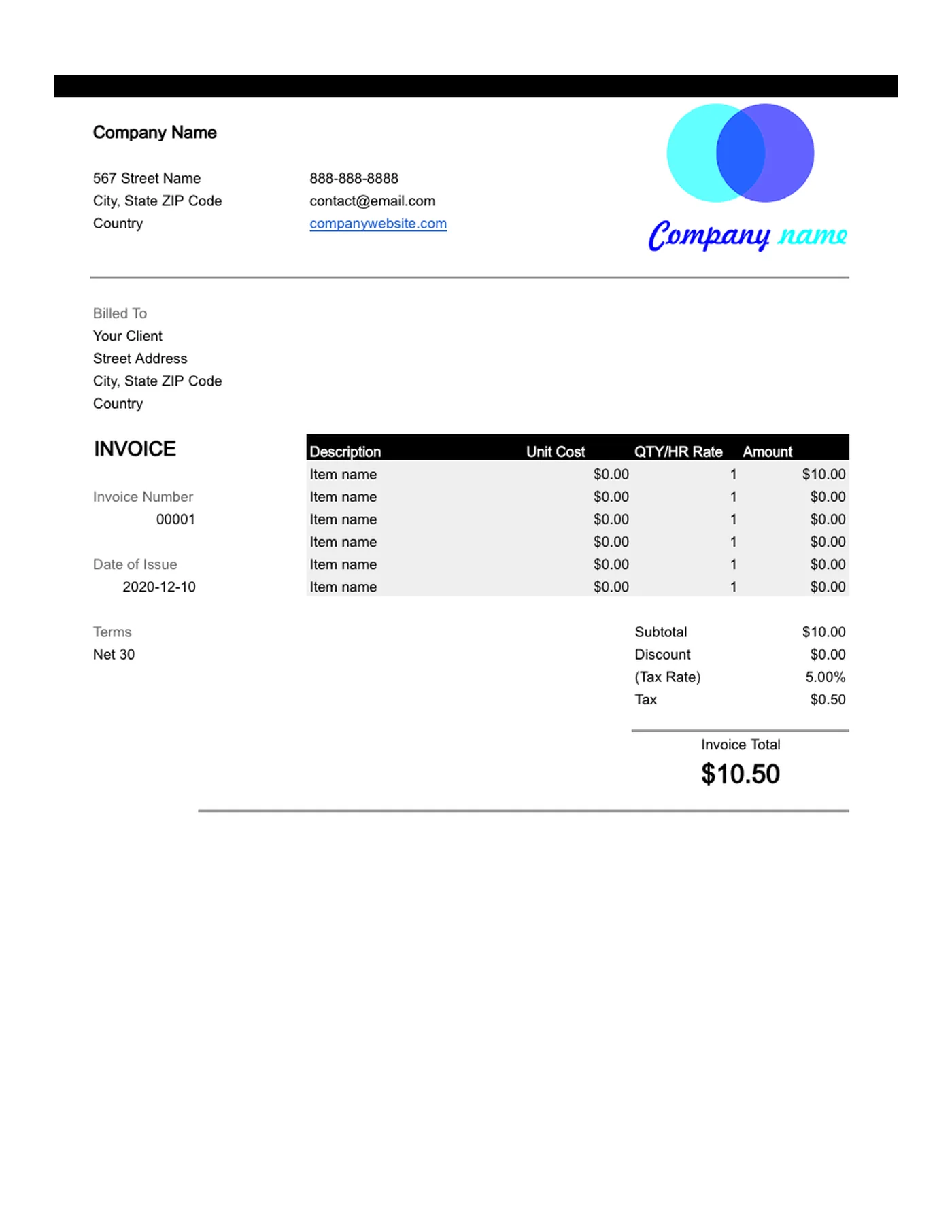
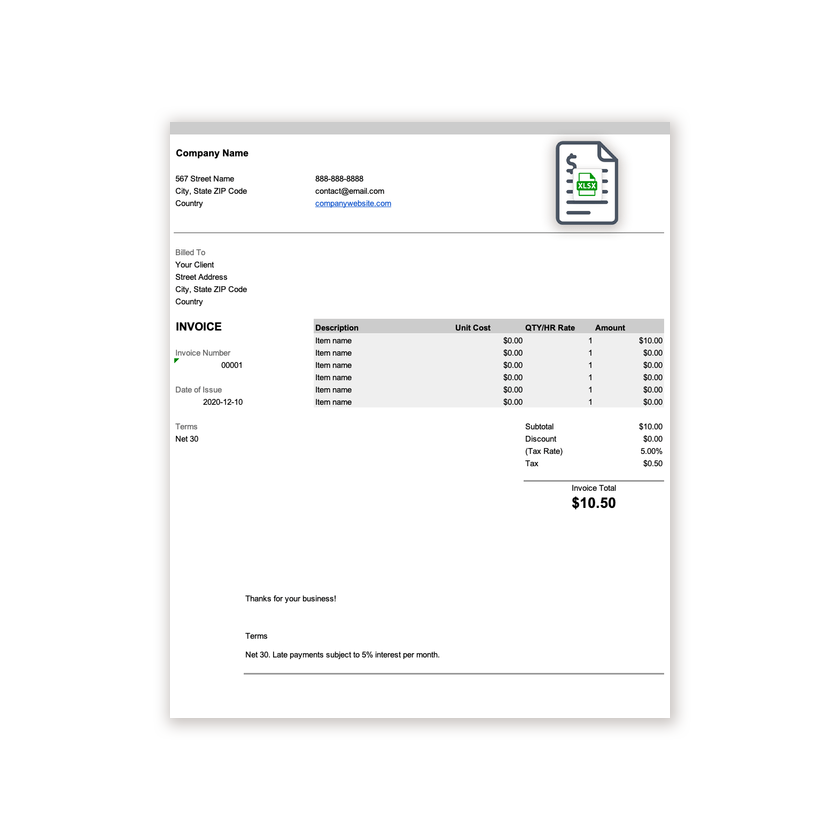
An .xlsx invoice that totals line items and tax automatically, so you never have to add up a bill by hand.
View template
An Excel invoice template with built-in formulas, so your totals are always right.
Printable and 100% Free
Our standard Excel invoice plus six designs with formulas for taxable lines, hours, discounts, deposits, shipping, and two tax rates, a blank invoice, and a form.
Every template is free, editable, and printable. Pick the format that matches the software you already use.
Microsoft Excel
An .xlsx invoice that totals line items and tax automatically, so you never have to add up a bill by hand.
View template
Microsoft Excel
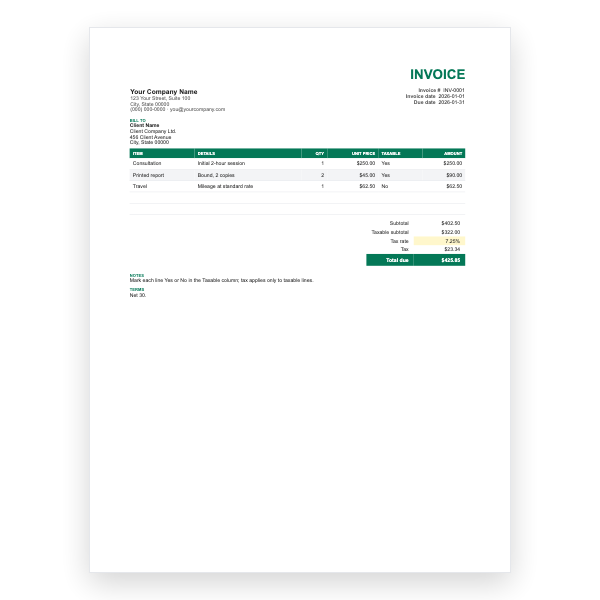
A Taxable column on every line; Excel taxes only the taxable subtotal. For mixed goods and services.
View template
Microsoft Excel
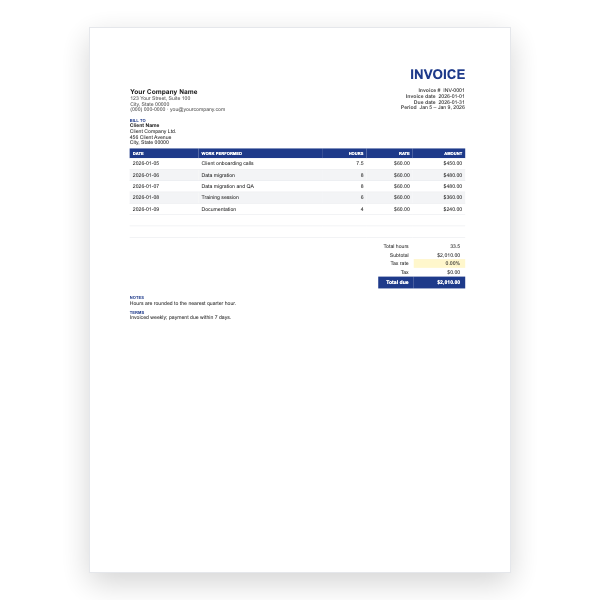
Date, work performed, hours, and rate per row, with total hours and amounts calculated.
View template
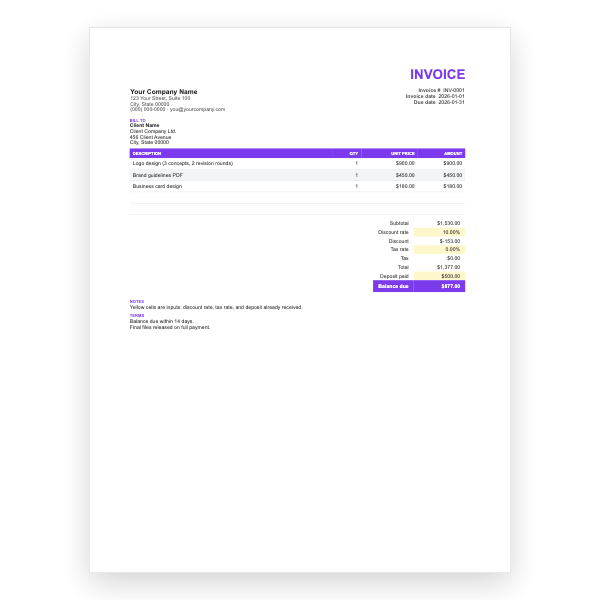
Microsoft Excel
Discount rate, tax rate, and deposit cells, with the balance due worked out for you.
View template
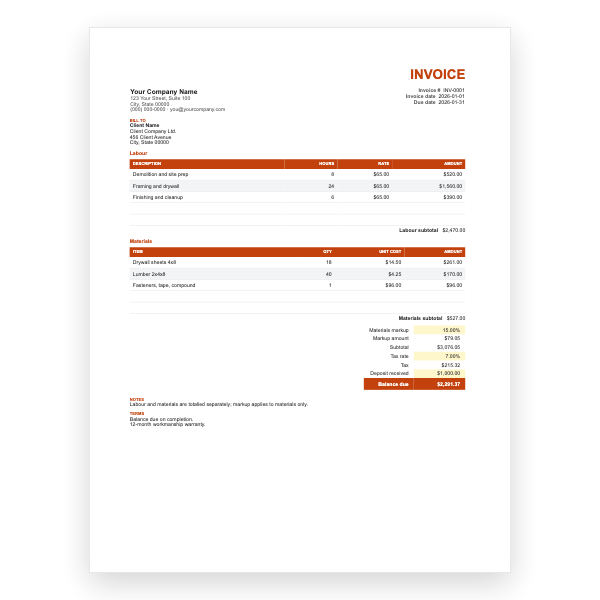
Microsoft Excel
Two sections with their own subtotals, a materials markup percentage, tax, and deposit received.
View template
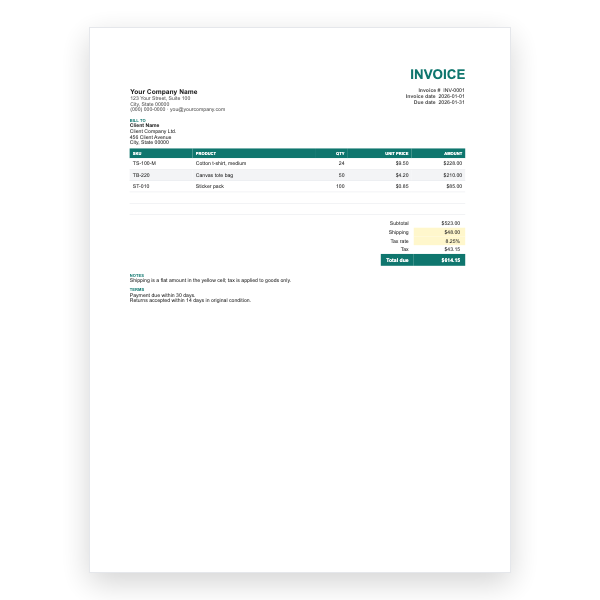
Microsoft Excel
SKU and product columns, a ship-to block, a flat shipping cell, and tax applied to goods only.
View template
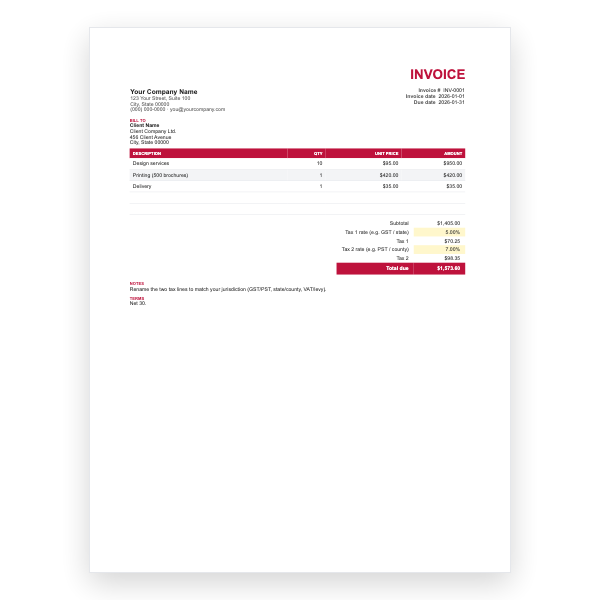
Microsoft Excel
Two independent tax rates, such as GST and PST, each calculated on the subtotal and shown separately.
View template
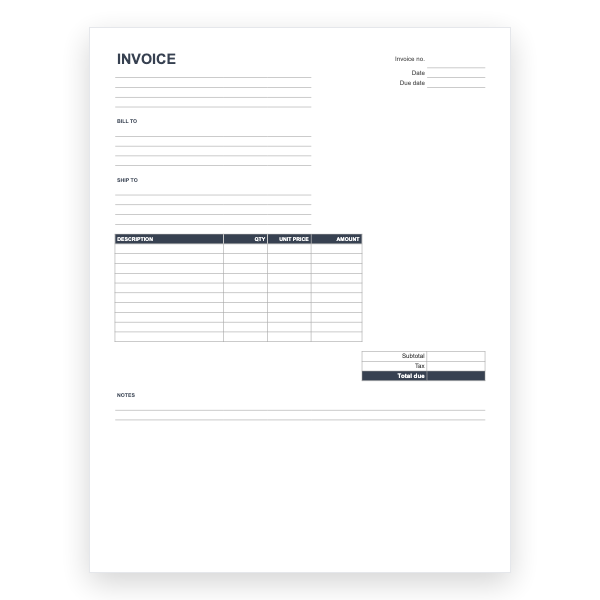
Microsoft Excel
An empty invoice with the formulas already in place. Fill in the rows and the totals appear.
View template
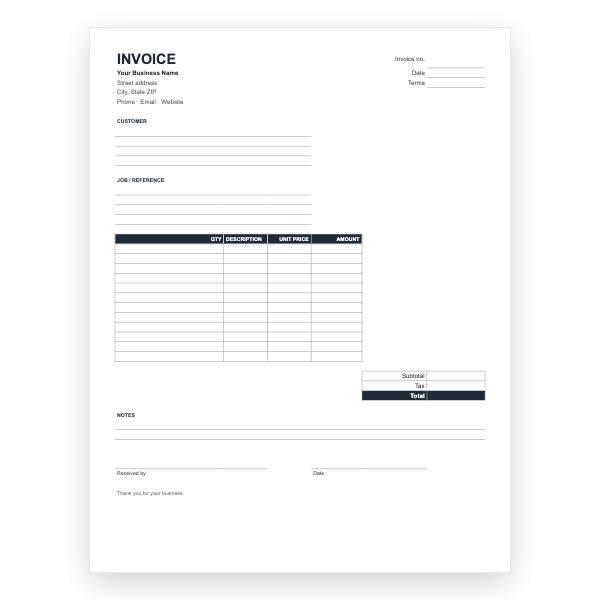
Microsoft Excel
The invoice form in Excel, with amount and total formulas for filling in on screen.
View template
Download any of our Excel invoice templates without creating an account or entering a card.
Add your logo, change the colours, and edit every field to match your business.
The files are yours to keep. Edit them in your own software, online or off.
Excel invoice template guide
A spreadsheet is the natural home for an invoice. Quantities multiplied by rates, lines added into a subtotal, tax applied, and a final amount due: Excel does all of it instantly and never makes an arithmetic slip. Our .xlsx template has these formulas already in place.
Choose Excel if you sell products, bill for many separate items, charge tax, or simply want the math handled for you. Retailers, contractors with materials and labour, caterers, and anyone producing itemised bills will find it quicker than Word. If your invoices are mostly a single paragraph of description, the Word template may feel more natural.
You do not need to know Excel formulas to use the template, but it helps to understand what is happening so you can adjust it with confidence.
Quantity × Unit price. Type the first two and the
third fills itself in.SUM of all the line amounts.Subtotal × Tax rate. Change the rate cell to your local
percentage, or set it to 0 if you do not charge tax.Subtotal + Tax, less any deposit or discount you
enter.Cells containing formulas are best left alone. If you accidentally type over one, press Ctrl+Z (or Cmd+Z on a Mac) to undo.
SUM range.Usually because text was typed into a number cell, or a referenced row was deleted. Undo the last change, or re-download the template and copy your details across.
Yes. Insert a row between the subtotal and total, enter the discount as a negative number, and make sure the total formula includes it.
Add a second tax row and a second rate cell, and reference each from the appropriate line items. For complex tax situations an invoicing tool may be simpler.
Yes. Upload the .xlsx file to Google Drive and open it with Sheets; the formulas carry over. We also offer a native Google Sheets template.