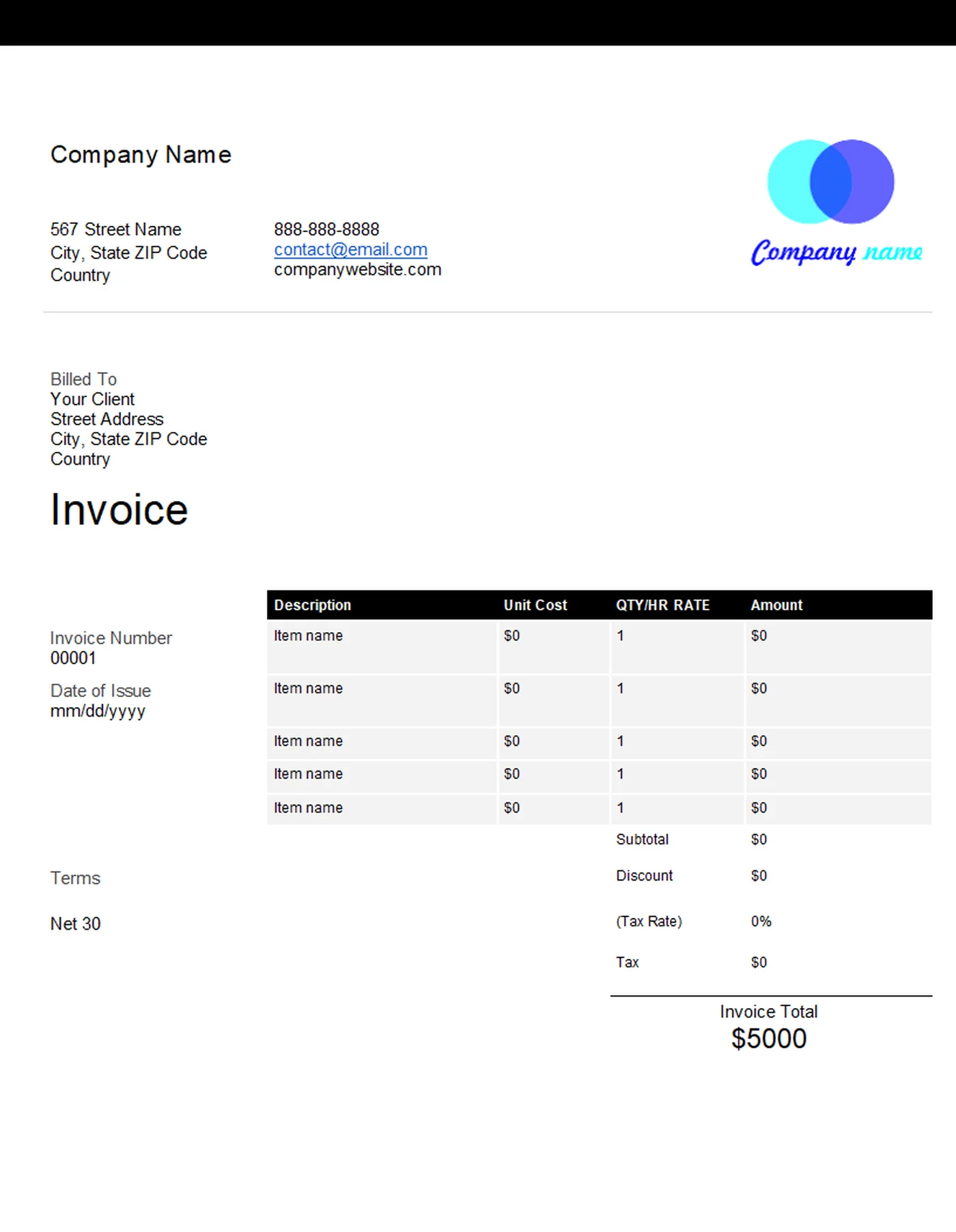
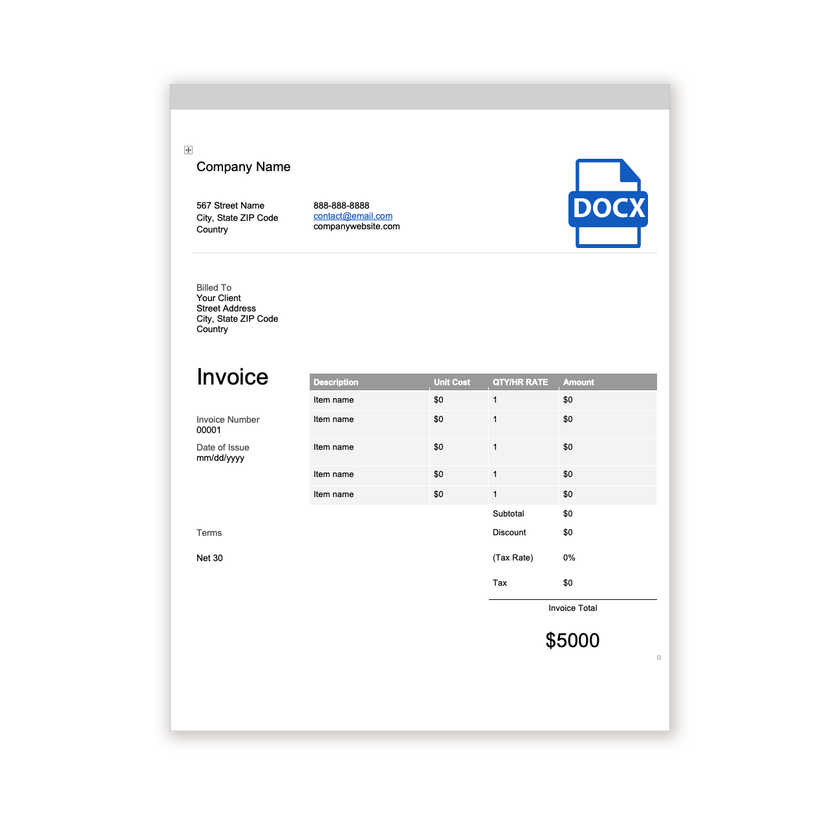
Word Invoice Template
Microsoft Word
A clean, editable .docx invoice with space for your logo, client details, itemised lines, and payment terms.
View template
A clean, professional invoice template for Microsoft Word that you can customize in minutes.
Printable and 100% Free
Our standard Word invoice plus six more designs, a blank invoice, and a printable form, all as editable .docx files.
Every template is free, editable, and printable. Pick the format that matches the software you already use.
Microsoft Word
A clean, editable .docx invoice with space for your logo, client details, itemised lines, and payment terms.
View template
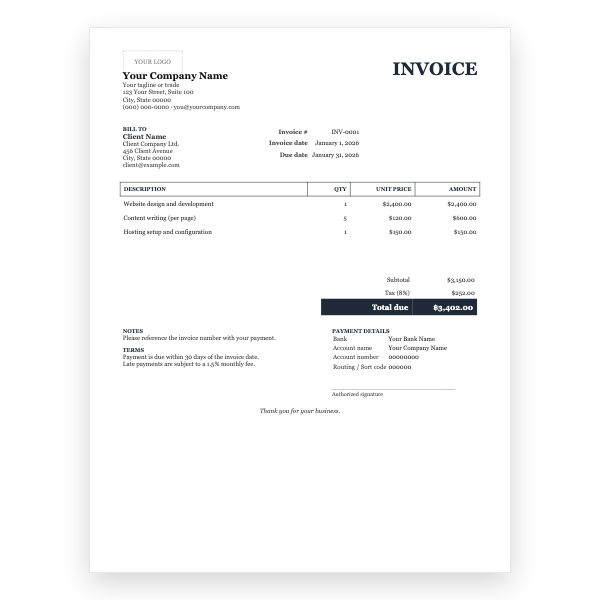
Microsoft Word
A formal serif layout with a ruled line-item table, bank details, and a signature line, as an editable .docx.
View template
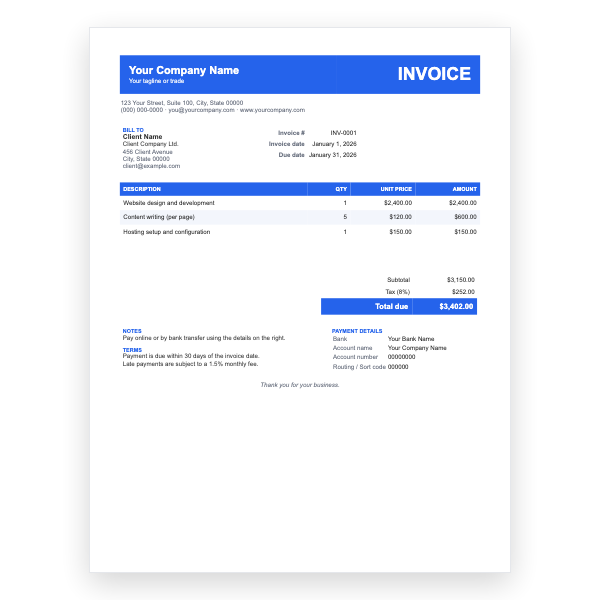
Microsoft Word
A bold blue header band, striped line items, and payment details, ready to edit in Word.
View template
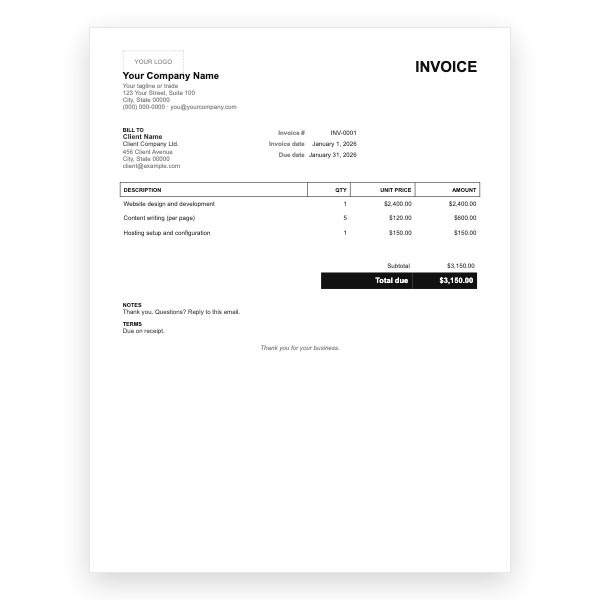
Microsoft Word
Black and white, no tax line, no bank block. The quickest Word invoice to fill in.
View template
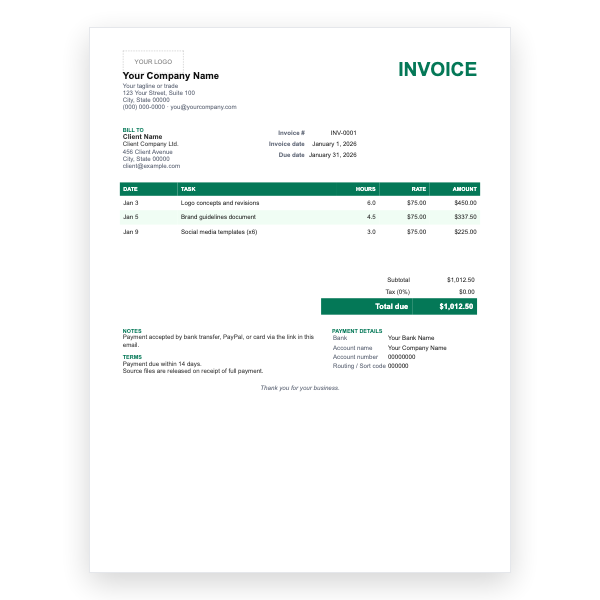
Microsoft Word
Date, task, hours, and rate on every line, with PayPal and bank payment notes.
View template
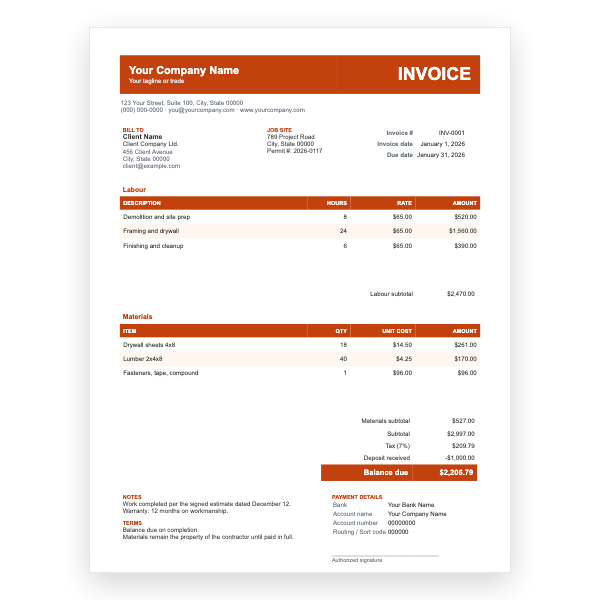
Microsoft Word
Separate labour and materials tables, a job-site address, a deposit line, and the balance due.
View template
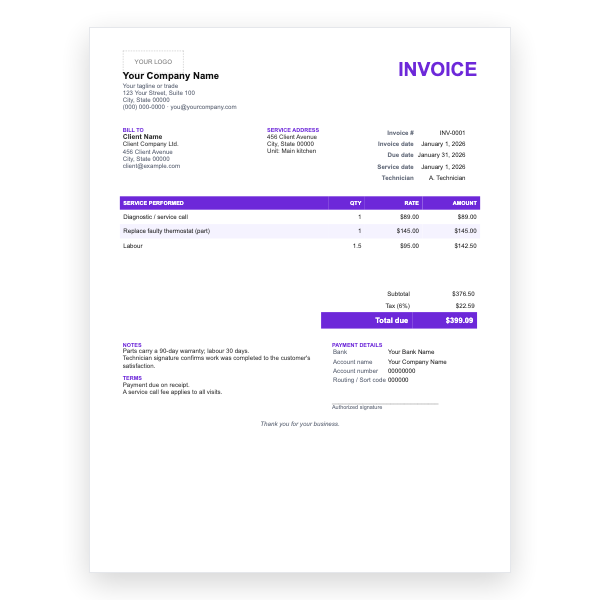
Microsoft Word
Service date, technician, service address, parts and labour lines, and a warranty note.
View template
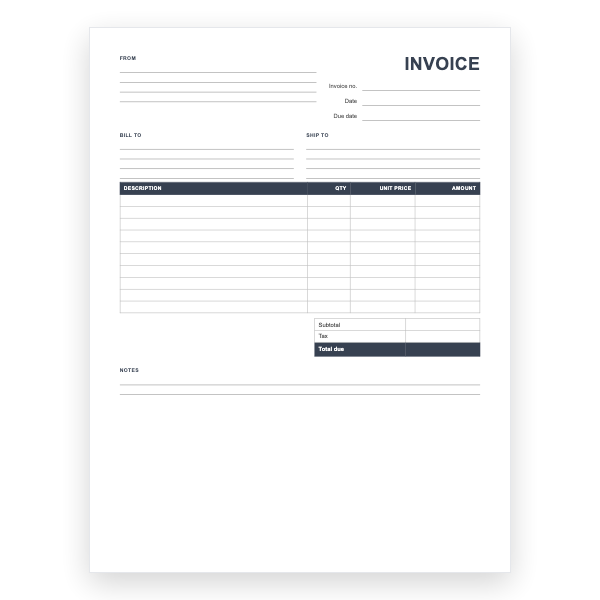
Microsoft Word
Every field empty, with ruled lines and a ten-row table. Print it or type into it in Word.
View template
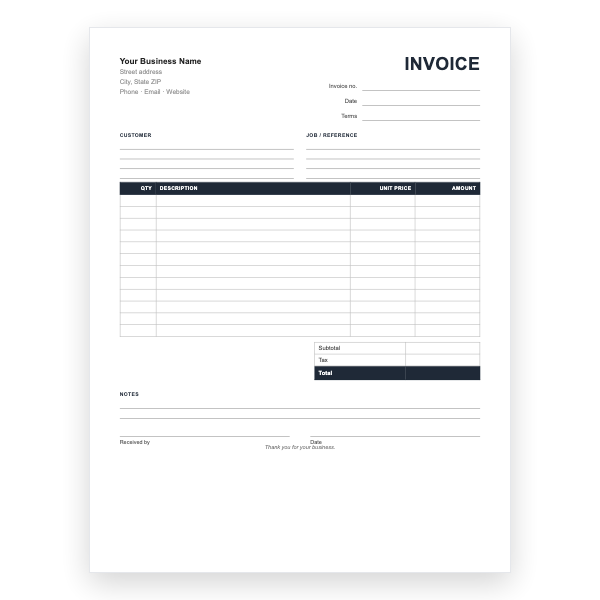
Microsoft Word
The printable invoice form as an editable Word file, so you can add your name and print in quantity.
View template
Download any of our Word invoice templates without creating an account or entering a card.
Add your logo, change the colours, and edit every field to match your business.
The files are yours to keep. Edit them in your own software, online or off.
Word invoice template guide
Word is the most familiar tool for most small businesses, and it is a perfectly good way to create invoices. Our .docx template gives you a professional layout with a table for line items, so you can focus on the details rather than the design.
Choose Word when your invoices have a handful of line items and you want complete control over the text. It suits consultants, tradespeople, tutors, photographers, and anyone who bills for a project or a block of time rather than a long list of products. If you regularly invoice many items or need tax calculated automatically, the Excel template will save you time.
=SUM(ABOVE) field.Always send a PDF rather than the .docx file. A PDF cannot be accidentally edited and looks the same on every device. In Word, choose File → Save As and pick PDF from the file type list, or use File → Export → Create PDF. Name the file with the invoice number and your business name, for example INV-0042-SmithDesign.pdf, so your client can find it later.
Yes. Everything in the template is standard Word formatting. Select the text and use the Home tab to change fonts, sizes, and colours to match your brand.
There is a tax line below the subtotal. Rename it to VAT, GST, or sales tax as needed, or delete the row if you do not charge tax.
No. Word does not add numbers by default, so type the subtotal, tax, and total yourself, or use the Excel template if you want the math done for you.
Yes. The templates are free for personal and business use. You may not resell or redistribute the template files themselves.